
01
Cross-file edits and diff review
Coordinated edits across files. Every edit is a reviewable, undoable diff, and a whole task can be rolled back.
Pize is an AI coding assistant for scientific computing and statistical analysis.
AI programming for the research lab
Write research code in the editor with DeepSeek
for Bioinformatics
The software comes first; instruments stay in the same lab.
Pize Code · Available now
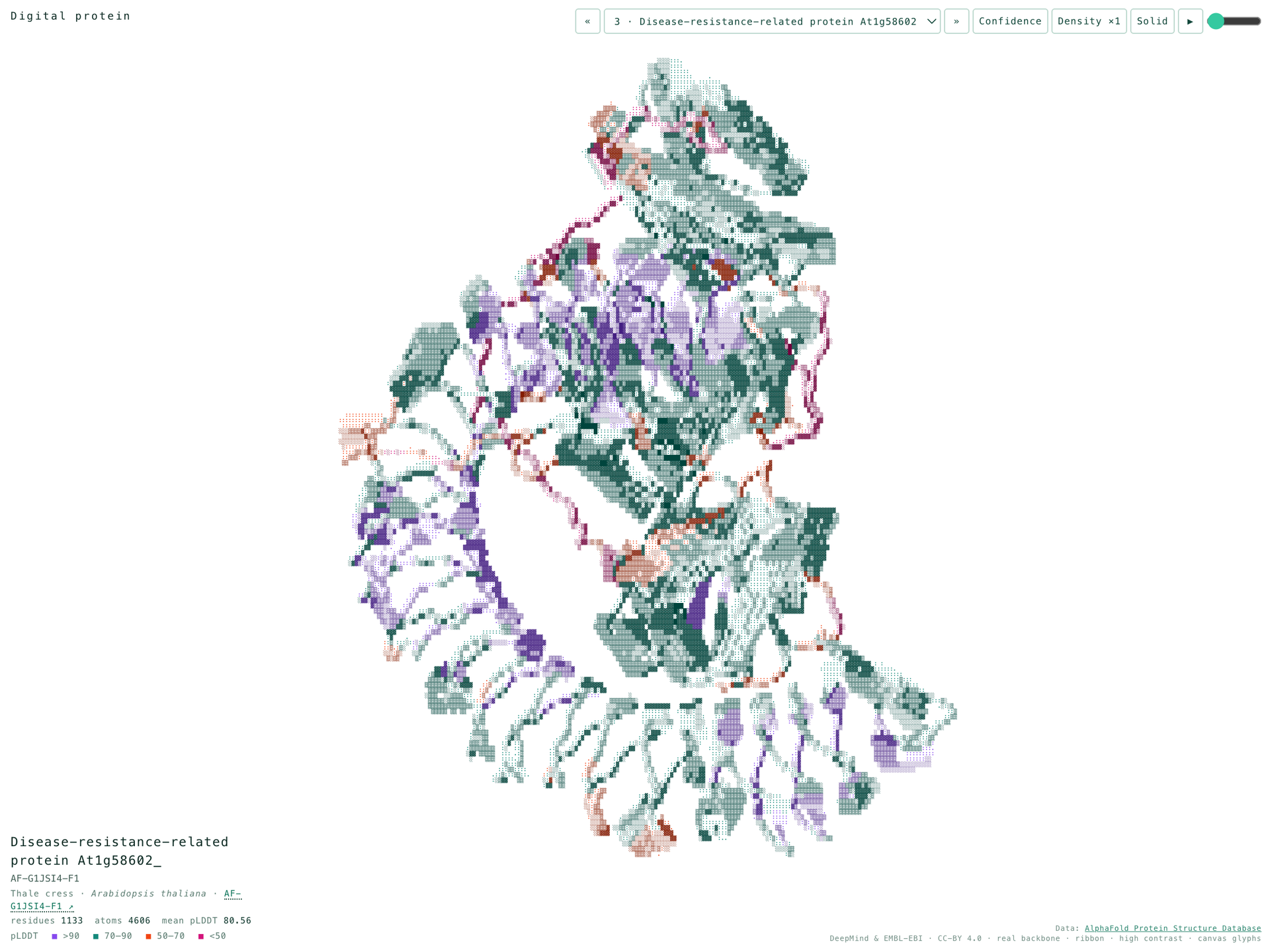
AlphaFold Protein Structure Database, DeepMind and EMBL-EBI, CC BY 4.0.
Research coding loop
AI programming for the research lab
Use Pize Code, Positron, the CLI, or the SDK for scientific computing and statistical programming with AI.
The CLI is available alongside Pize Code, Positron, and the SDK.
Programming agent
Read files, write code, run commands, and drive a browser. Every action waits for your approval. Use Pize Code, Positron, the CLI, or the SDK.
01
Coordinated edits across files. Every edit is a reviewable, undoable diff, and a whole task can be rolled back.
02
Run commands in the integrated terminal and read output live. Errors and test failures are caught immediately.
03
Survey the data and code first, agree on an analysis plan, then act, so the wrong model is not run on the first try.
04
Feed context precisely with @file, @folder, @problems, @url. It can also drive the browser, take screenshots, and read logs to locate a problem.
05
Put statistical definitions, plotting conventions, and directory rules in a rules file so every teammate’s session follows them.
06
Anthropic, OpenAI, Gemini, DeepSeek, Bedrock, OpenRouter, and local models can all be connected. Databases can be reached through MCP.
Pize in Pize Code
Use one AI coding companion inside the editor to understand a project, write analysis code, and refine the next step. The instruments below are the lab around that software.
01const workspace = await pize.inspect(root)02const graph = await workspace.dependencies()03const answer = await graph.explain(request)04return answer.withSources()
Same lab, software first
Pize writes and reviews the research code. The instruments and methods below belong to that same lab.
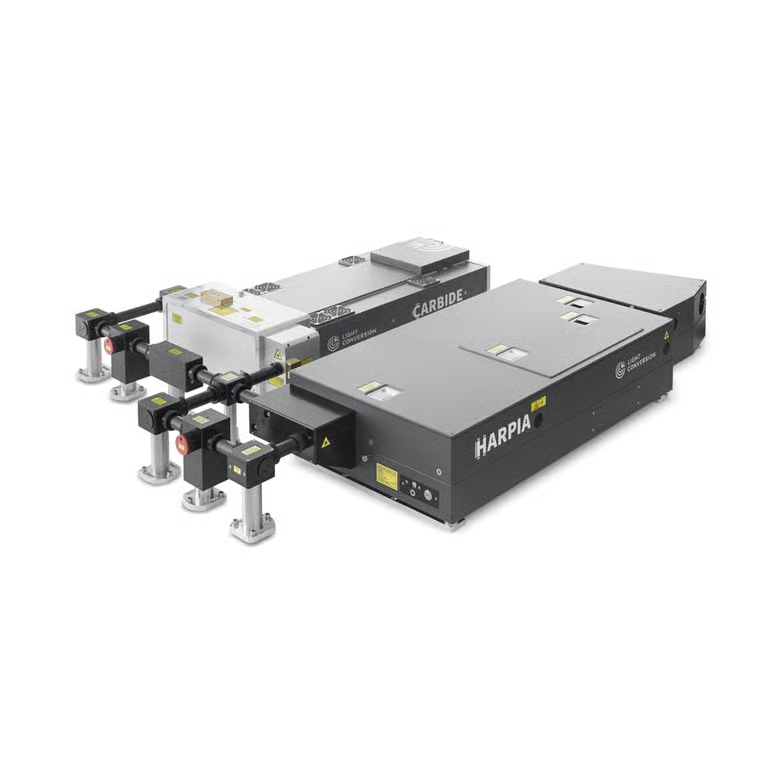
Scientific applications
Transient absorption, time-resolved fluorescence, femtosecond stimulated Raman, transient grating, sum-frequency generation, TR-ARPES, two-dimensional electronic and infrared spectroscopy, flash photolysis, and Z-scan.
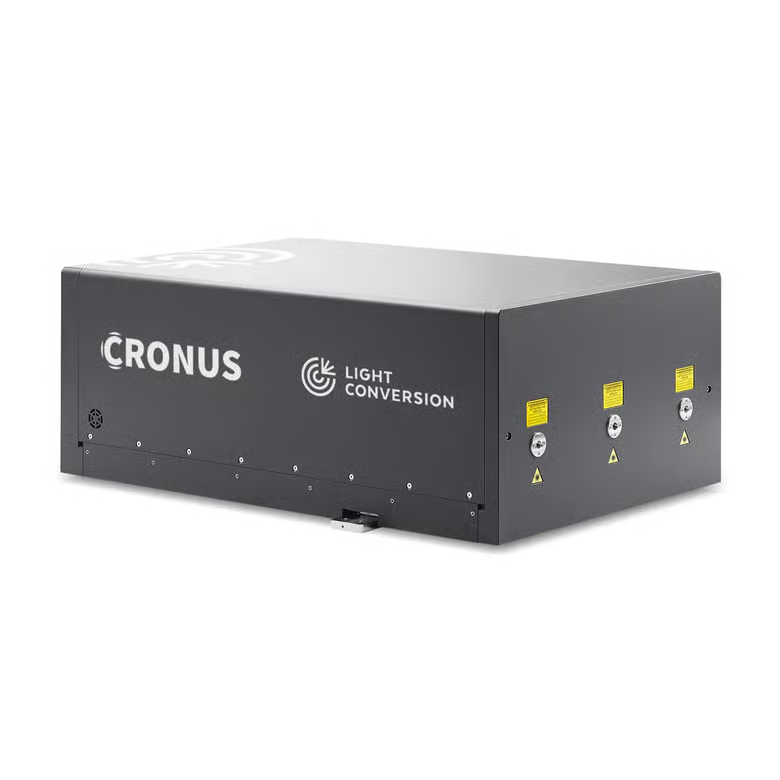
Scientific applications
Transient absorption microscopy, nonlinear microscopy in biological tissues and solid-state materials, ultrafast electron microscopy, and Raman microscopy (CARS & SRS).
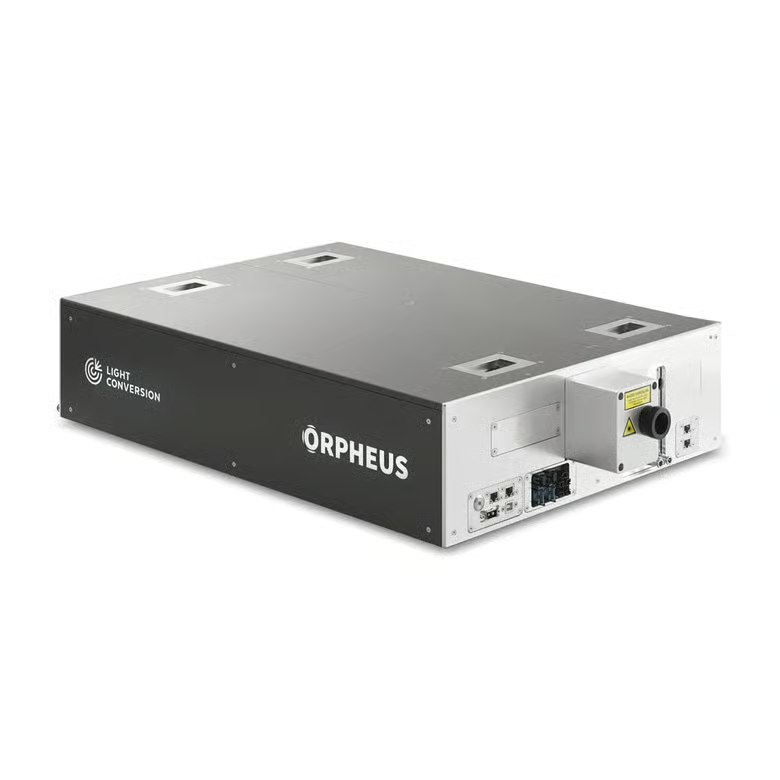
Scientific applications
High harmonic generation, nonlinear optics, X-ray generation, and THz generation.
Scientific applications
Laser pumping and seeding, carrier-envelope phase stabilization, repetition rate locking, and optical parametric chirped-pulse amplification.
Scientific applications
Photopolymerization, surface nanostructuring, color center formation, volume modification, and laser-tissue interaction.
Ultrafast sources
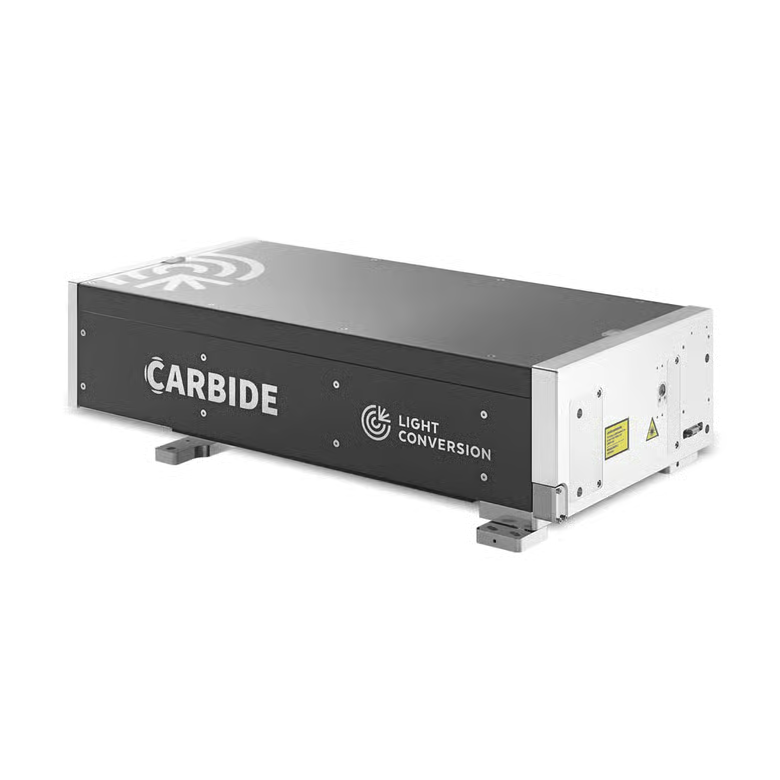
A compact Yb femtosecond laser for industrial and scientific work. Water-cooled models reach 120 W and 2 mJ; pulse duration tunes from 190 fs to 20 ps at rates up to 10 MHz.
Features
Papers using this instrument
Model choice
Pize can connect to major cloud and local providers, so you can choose models and infrastructure for your workflow.
Supported models and providers
 Anthropic
 OpenAI
 Google Gemini
 AWS Bedrock
 Microsoft Azure
 Google Vertex AI
 Meta
Meta DeepSeek
 xAI
xAI Mistral
 Cerebras
 OpenRouter
 Kimi
Kimi MiniMax
 Fireflies.ai
 Ollama
 Z AI
Z AI Qwen
Qwen+ any OpenAI-compatible API